 Stanislas Bertrand
-
Running OpenWRT on AOPEN Chromebox
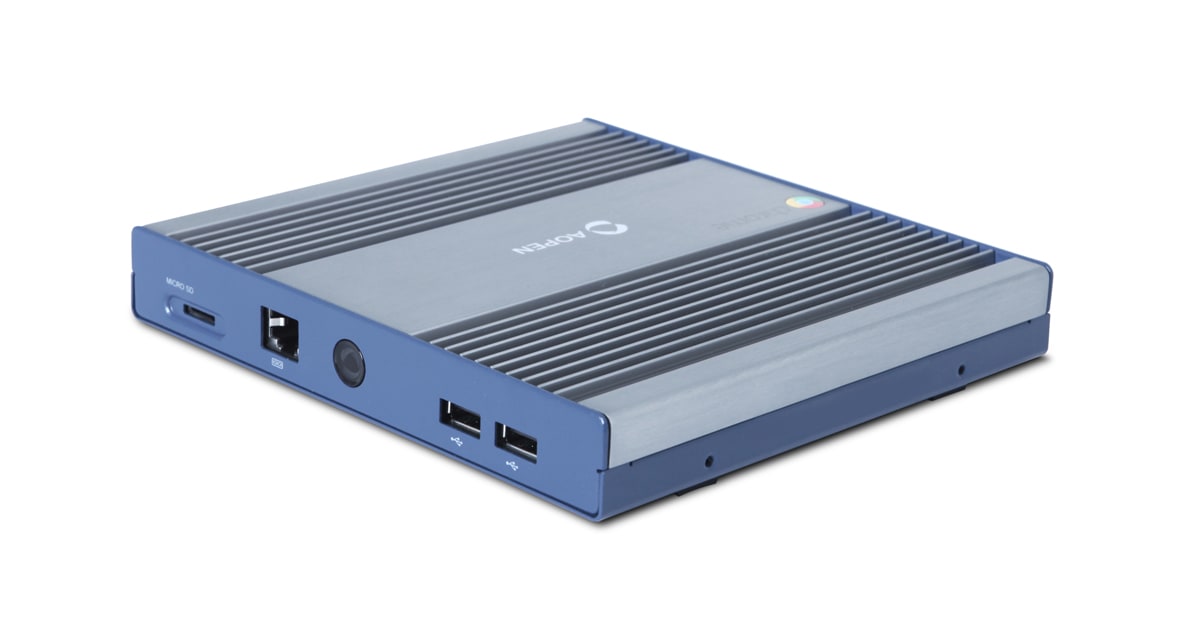
07/01/2025 at 01:44 • 0 commentsI found a AOPEN Chromebox and was curious to know what I could run on it.
![]()
It is my first encounter with the Chromebox/Chromebook ecosystem. I was a bit lost at first.
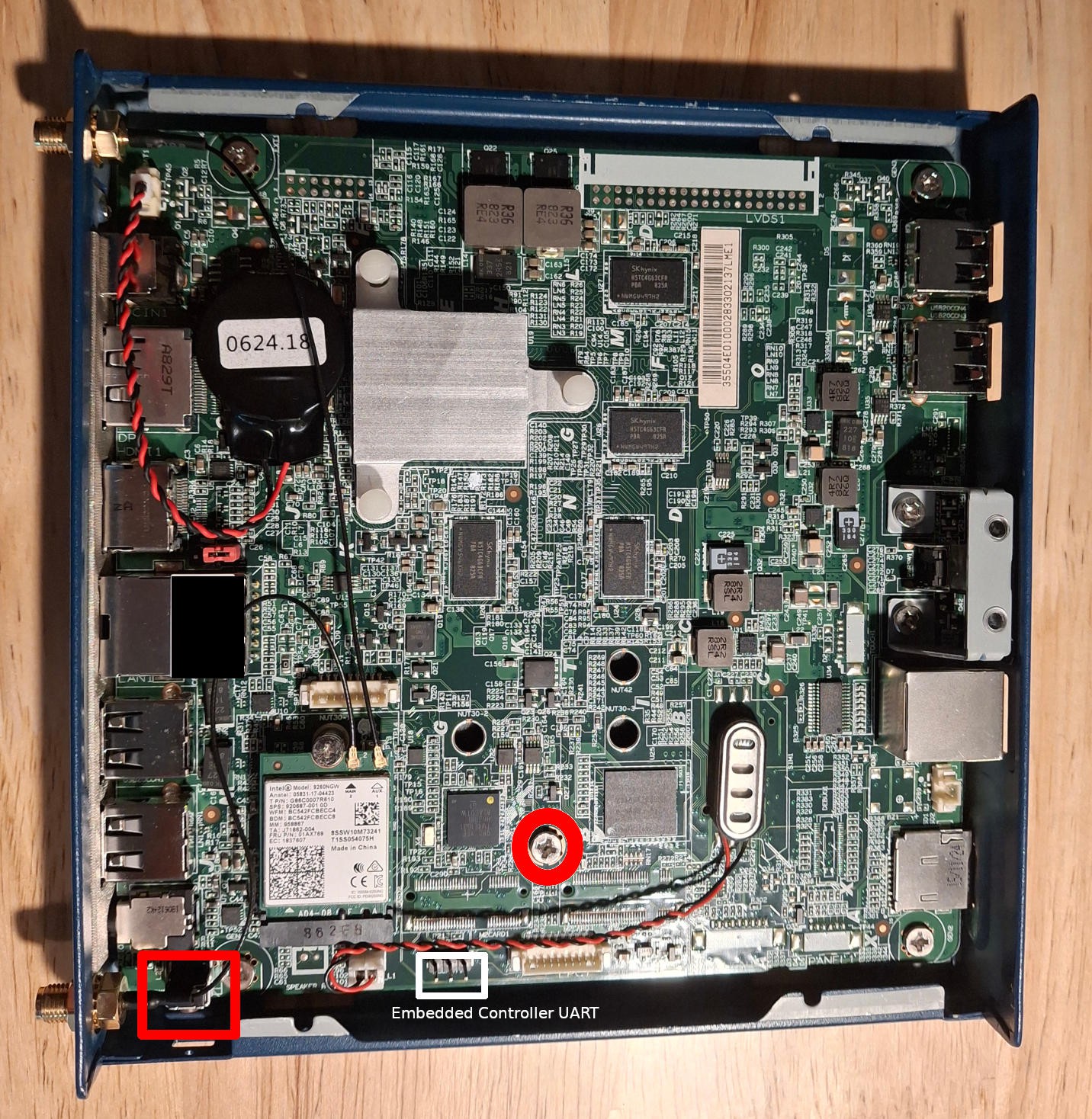
Some Google search and I landed on MrChromebox.tech which provided a good guide.The unit is AOpen Chromebox Commercial, board name NINJA. The WP screw is the one in the middle. The recovery button is on the back.
![]()
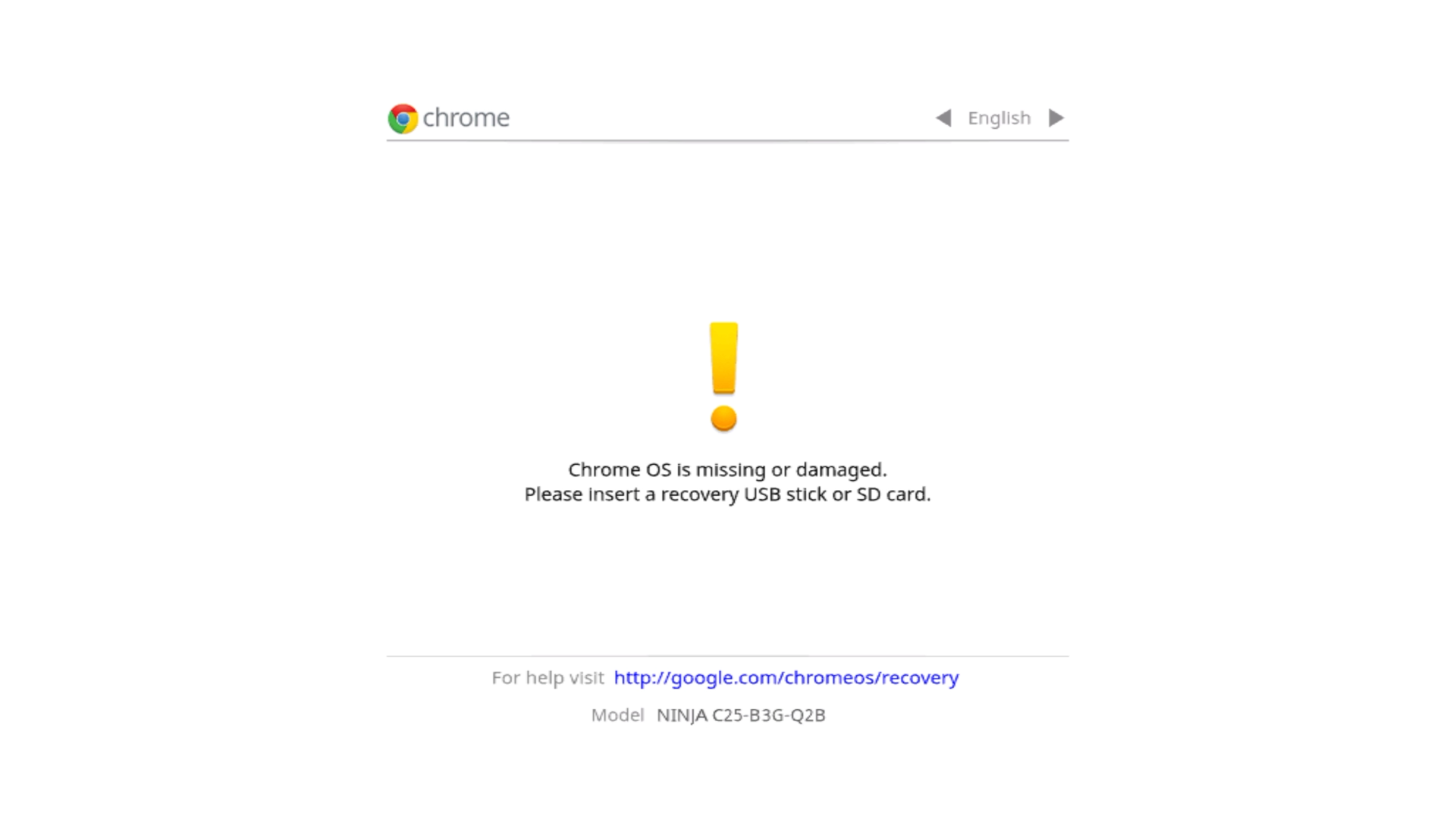
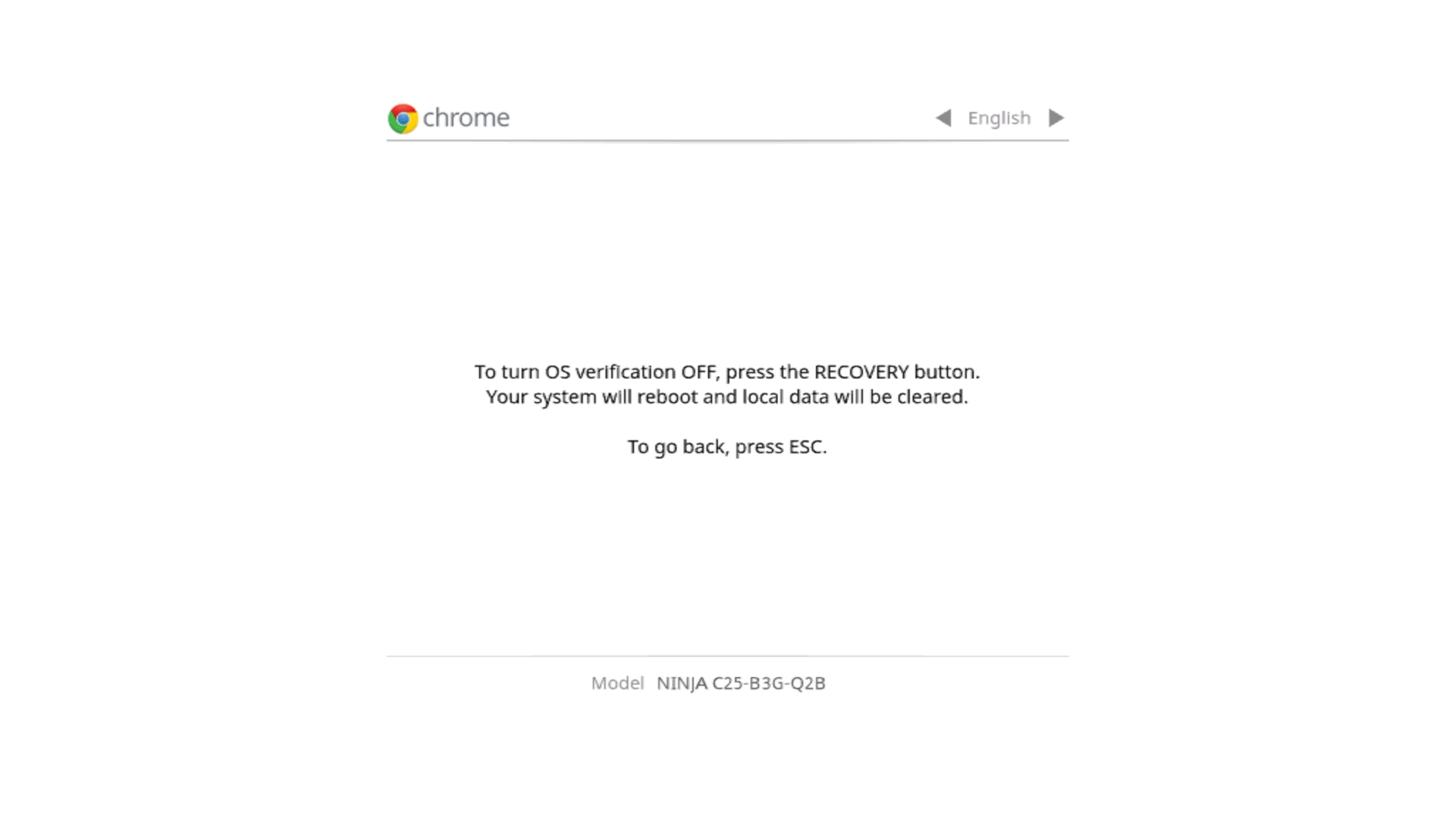
I was able to confirm the model by entering recovery mode.
![]()
I followed the instruction to enter developer mode by disabling OS Verification.
![]()
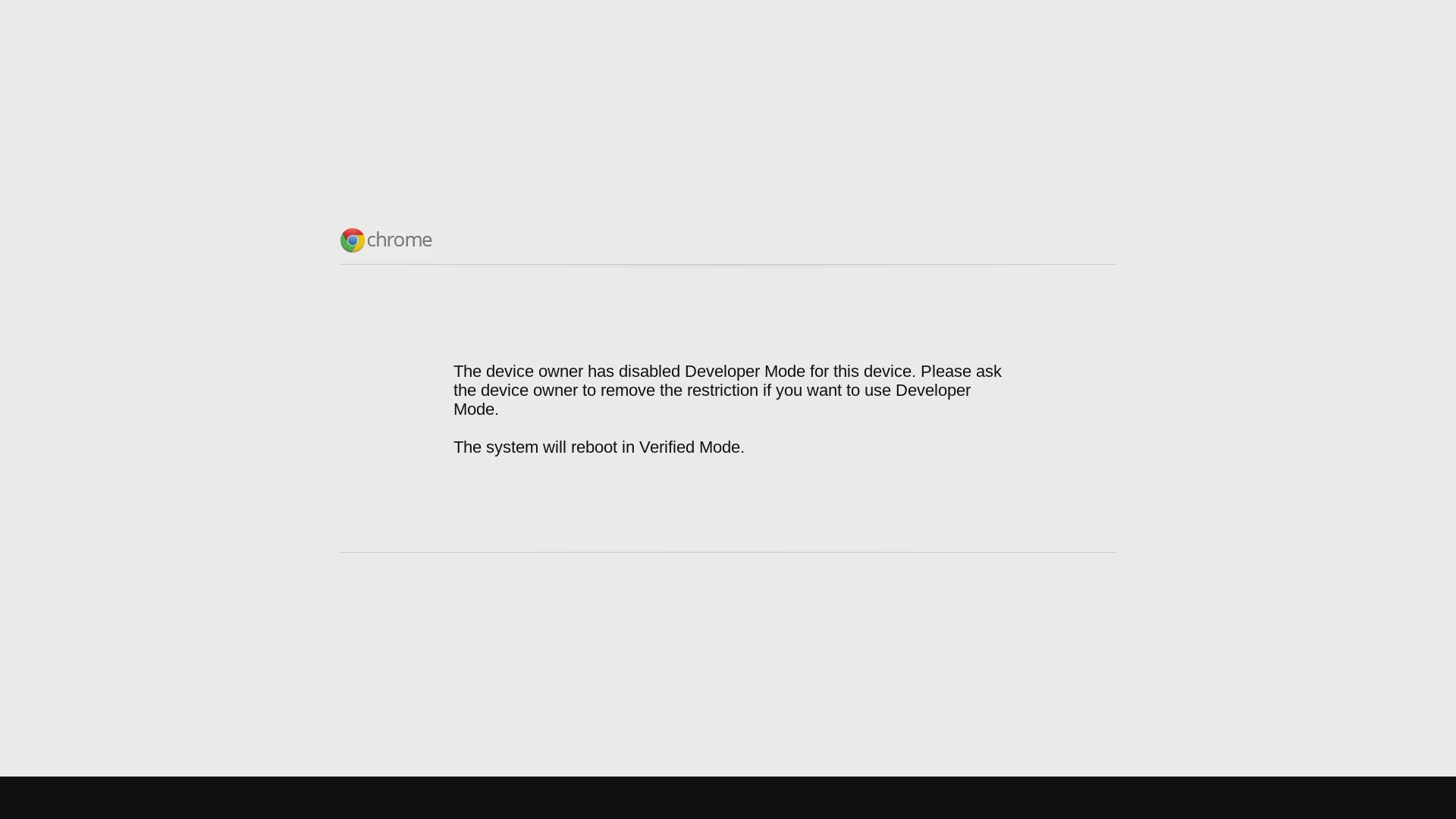
With OS Verification Disabled, I booted the device but developer mode was restricted.
The device owner has disabled Developer Mode for this Device.
![]()
By disabling the OS verification, it seemed that the system was partially reset. I was prompted to setup the device (Connect Network/Wifi, Enter Google Account).
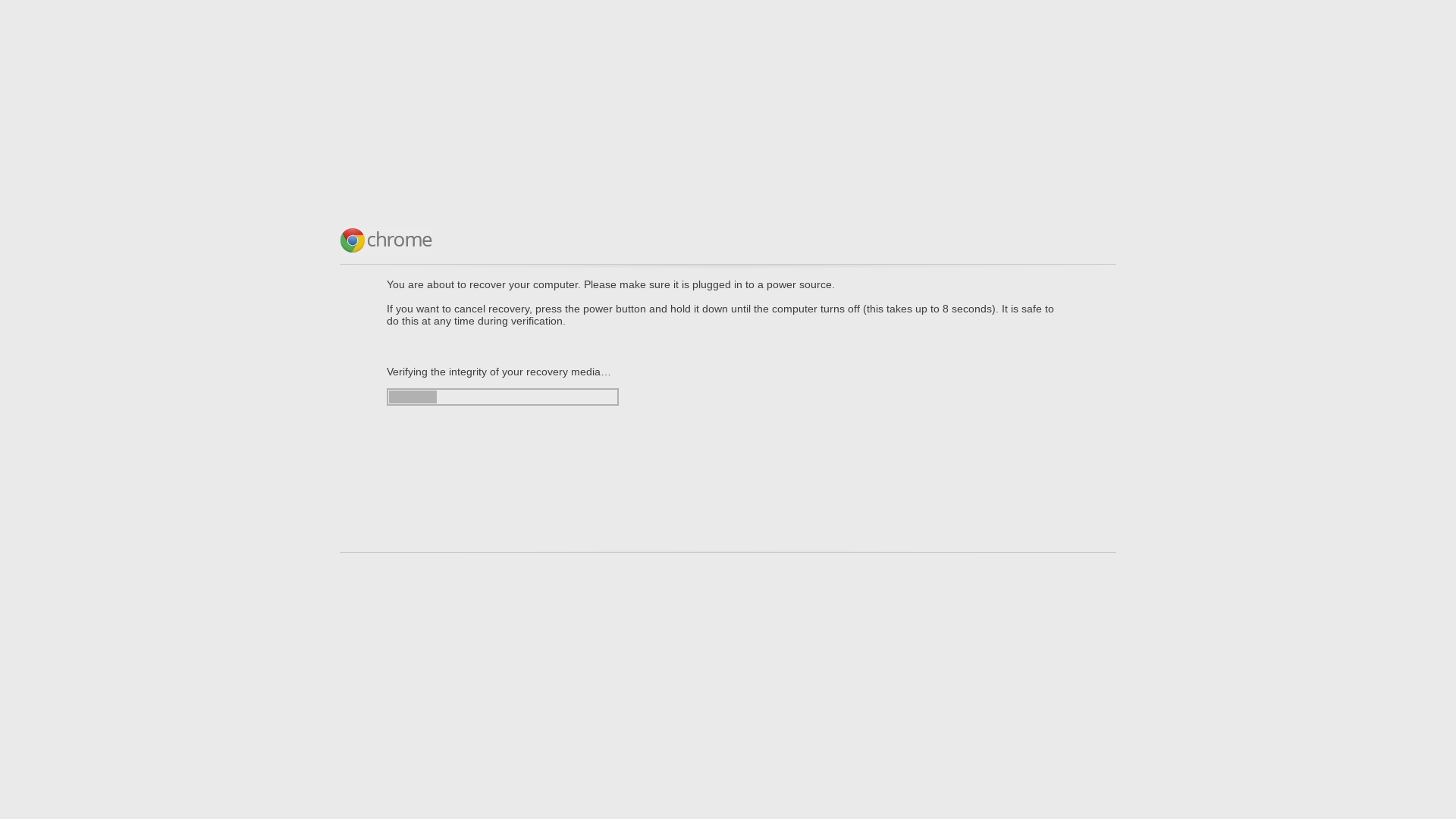
Before continuing with account setup, I performed a system restore. I made a recovery drive from Linux.
![]()
With the system restored, I login on the chromebox. The system run ok, however unit is EOL, the browser is out of date and does not more recent feature (No Chrome Extension, No Google Meet, ... ). Not a big loss to change the OS to Linux.
I was considering flashing the unit SPI flash with an external programmer.
I went thru the steps to enable developer mode once more. This time it worked. I guess login in the unit clear some things.
I was very impressed by how effective MrChromebox.tech Firmware Utility Script was.
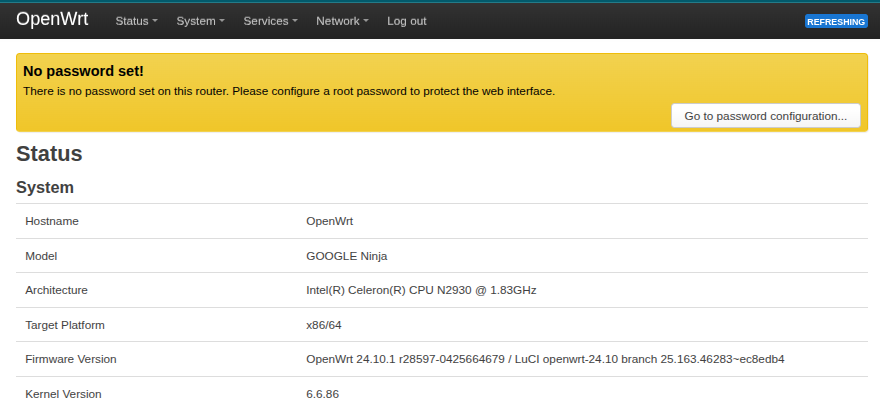
It cleared the Flash Software Write Protect. It made a backup of the existing firmware. It flash a UEFI firmware.I was able to run Ubuntu (a bit heavy) and OpenWRT (Like a charm).
![]()
I wish that unit had USB 3.0 port to add a 1GB Ethernet USB dongle.
-
Dell Front USB-C
02/04/2025 at 06:03 • 0 commentsRepurposing Dell USB-C front connector.
I got a USB front panel connector going to a USB 3.0 Motherboard connector from a Dell computer.
The cable had a USB 3.0 type A and USB 3.0 Type-C receptacles. There was also a dual USB 3.0 Type A receptacles to USB 3.0 motherboard connector.
I got an adapter cable to see if I could make use of the Type-C receptacle. The adapter only worked for the dual Type-A front panel connector.
I found this post which mentioned a different pinout for the 20 pin motherboard connector.
Indeed the VBUS does not go to the right pins. Using a USB-A cable pigtail, I validated the following connection on the 20 pin cable ( not motherboard ).
USB-C Pin # Pin # USB-A SS Rx- 1 / Key SS Rx+ 2 19 SS Rx- GND 3 18 SS Rx+ SS Tx- 4 17 GND SS Tx+ 5 16 SS Tx- GND 6 15 SS Tx+ D- 7 14 GND D+ 8 13 D- VBUS 9 12 D+ VBUS 10 11 VBUS The above was confirmed by continuity testing for the USB-A receptacle ( pins 11 to 19).
I removed the 20 pin motherboard cable and connected a regular USB-A cable.
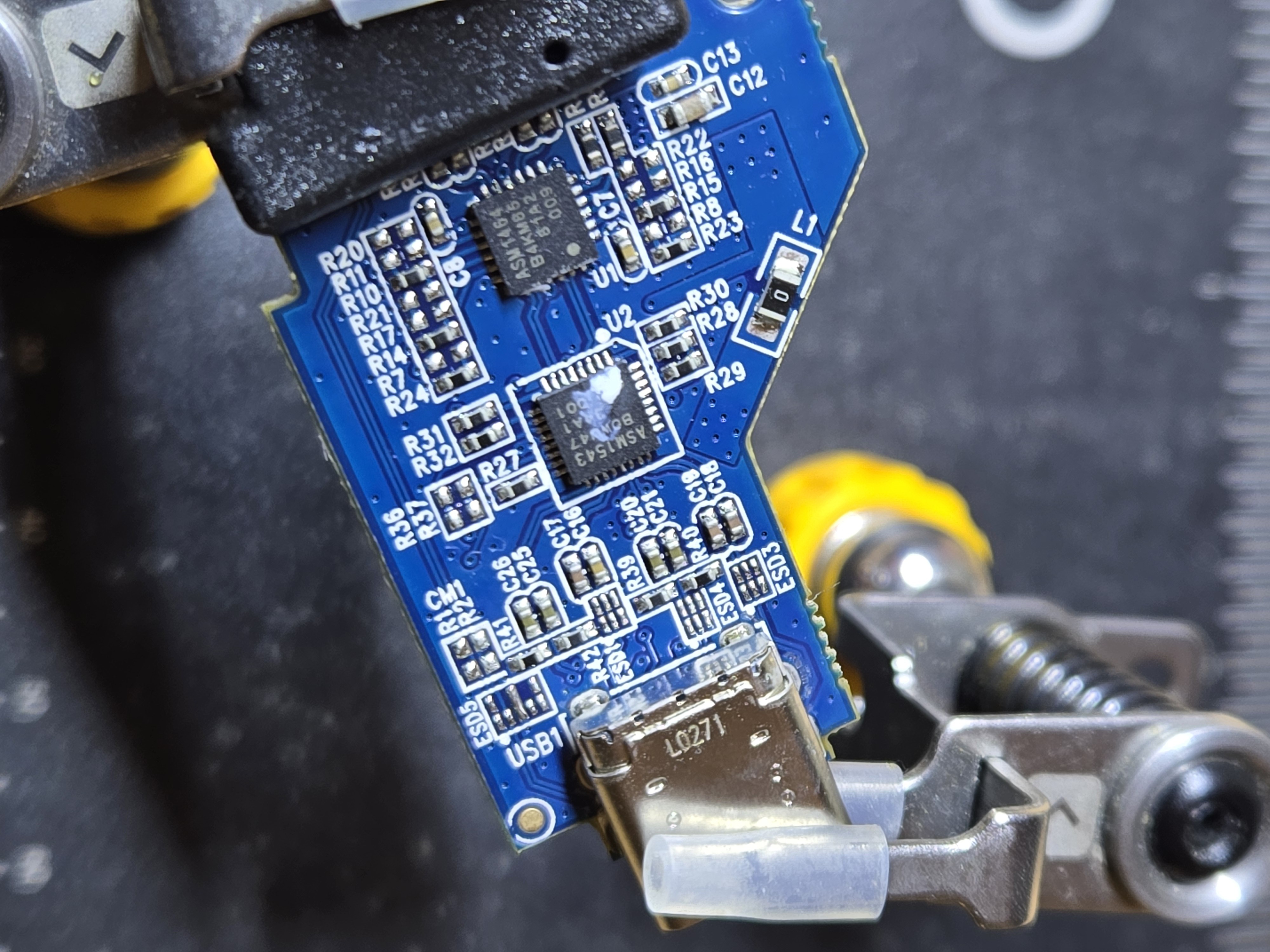
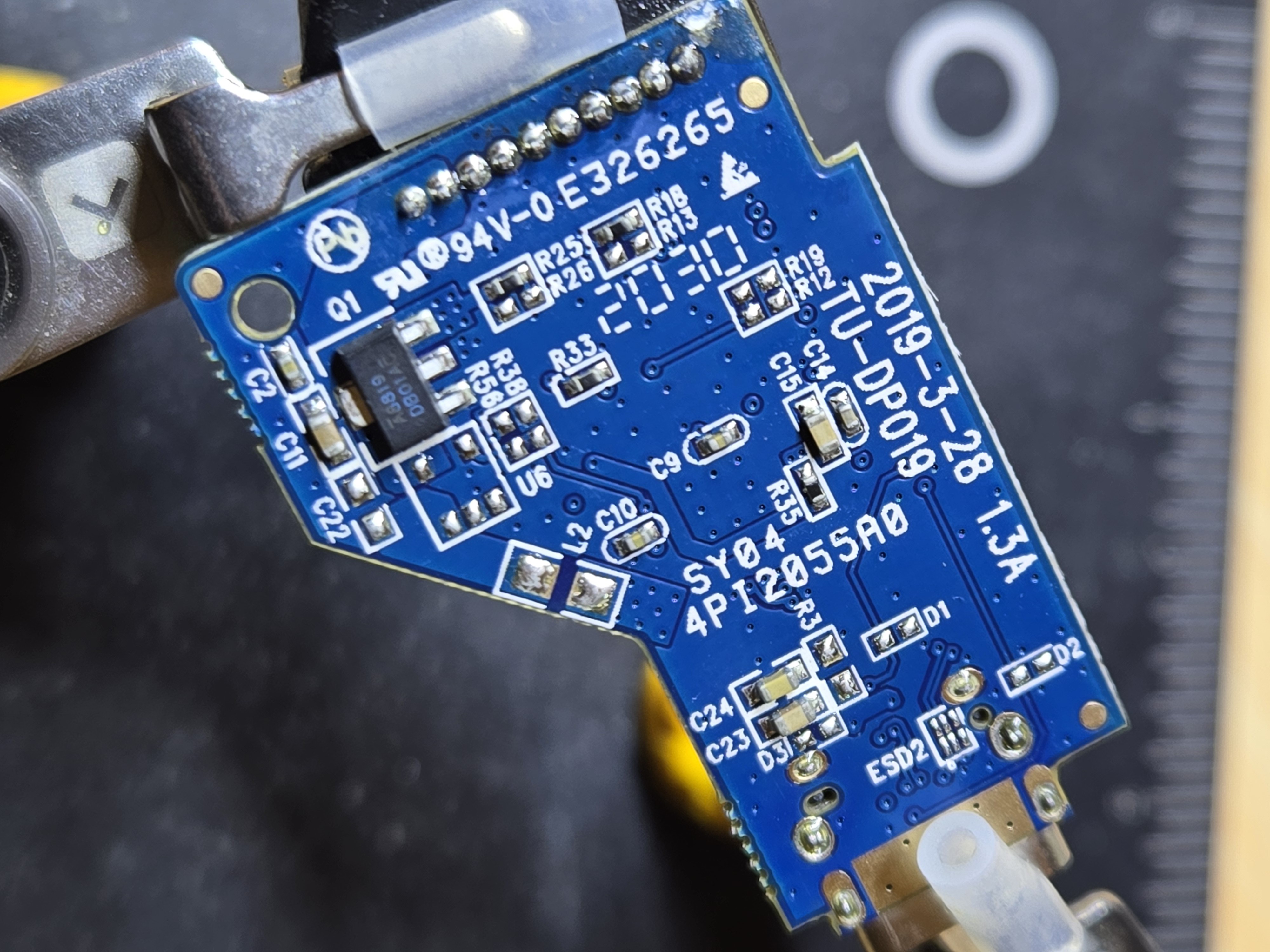
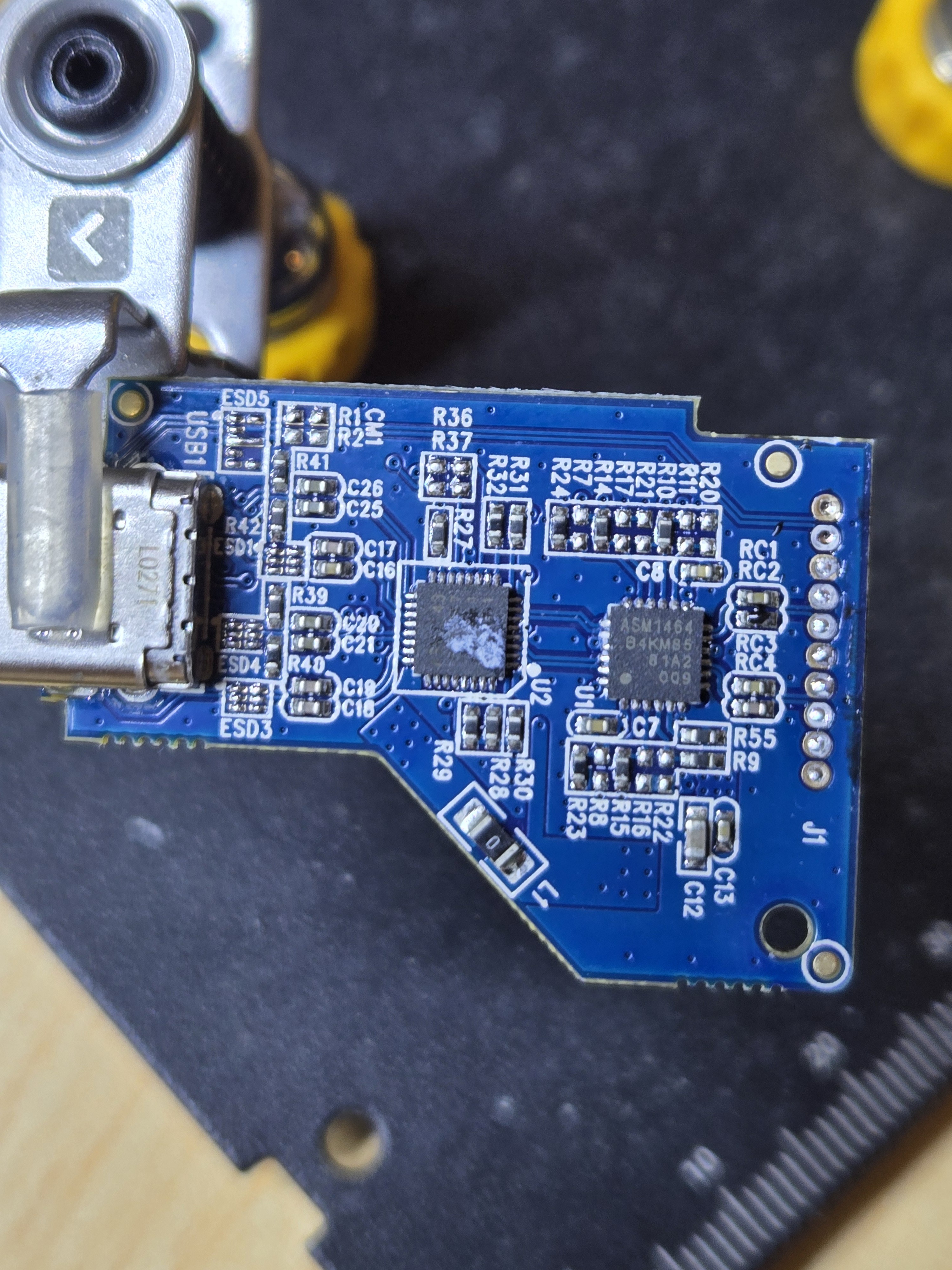
![]()
![]()
![]()
Overall the USB-C works, however PC->Device link seem to have some issue. Perhaps the power path is not able to carry the necessary current. Need to add additional VBUS / GND wire. Or perhaps the 5V VBUS was not too good for the ASM1464 chip.
The TYPE-C pinout is
- D+
- D-
- GND
- SS Rx+
- SS Rx-
- GND
- SS Tx+
- SS Tx-
- VBUS
- VBUS
-
Minisforum X35G - NVMe/SATA RST Controller
11/12/2024 at 05:31 • 2 commentsUpdate Aug 2025
- BIOS Advanced/Debug Menu
klschlitzohr message me about the Advanced/Debug menu in the BIOS which can be enable with ALT+F5.
Boot X35G into BIOS
Press ALT + F5 ( A popup indicate Advance mode enabled )
Save and Reboot
Enter X35G BIOS
Go to Chipset → PCH-IO Configuration → SATA And RST Configuration- UEFI BIOS Variable Store
I wanted to give another go at getting NVMe back in Linux.
I found [Guide] Unlock Intel Flash Descriptor Read/Write Access Permissions for SPI Servicing.
I run UEFITool NE A47 on the BIOS from Minisforum and got the Setup DXE Driver. The IFR Extractor LS gave me the list of BIOS options.
I found the entry for 'SATA Mode Selection'.
0x3A408 One Of: SATA Mode Selection, VarStoreInfo (VarOffset/VarName): 0x5C, VarStore: 0x19, QuestionId: 0x7B1, Size: 1, Min: 0x0, Max 0x1, Step: 0x0 {05 91 18 10 19 10 B1 07 19 00 5C 00 10 10 00 01 00}
0x3A419 One Of Option: AHCI, Value (8 bit): 0x0 {09 07 1A 10 00 00 00}
0x3A420 Suppress If {0A 82}
0x3A422 QuestionId: 0xE13 equals value 0x0 {12 86 13 0E 00 00}
0x3A428 QuestionId: 0xDE2 equals value 0x0 {12 06 E2 0D 00 00}
0x3A42E And {15 02}
0x3A430 End {29 02}
0x3A432 One Of Option: RAID, Value (8 bit): 0x1 (default) {09 07 1B 10 30 00 01}
0x3A439 End If {29 02}
0x3A43B End One Of {29 02}The BIOS Variable is in VarStore 0x19 at Offset 0x5C.
0x2310E VarStore: VarStoreId: 0x19 [4570B7F1-ADE8-4943-8DC3-406472842384], Size: 0x6FC, Name: PchSetup
The setting can be changed with setup_var.efi from a UEFI Shell.
Read Value:
setup_var.efi PchSetup:0x5C(1)
Set Sata Mode to AHCI:
setup_var.efi PchSetup:0x5C(1)=0x00Rebooting the system, Linux reported access to the NVMe disk.
Original Post
I have been using the X35G as a router and lately to test thunderbolt on Windows and Linux.
Early on I did some wifi testing. Recently I was unable to boot Linux anymore.
My notes on Intel RST Storage Controller issue I am facing.Last week I wanted to test the ST60-2230 wifi module in OpenWRT.
I was unable to boot into my existing install of Ubuntu and OpenWRT present on the NVMe disk. Grub has been having those entries from when I setup that system as a router.I was not able to see any NVMe storage being listed as PCIe devices. The web pointed me to the following boot message.
[    1.292983] ahci 0000:00:17.0: version 3.0
[    1.293750] ahci 0000:00:17.0: Found 1 remapped NVMe devices.
[    1.293753] ahci 0000:00:17.0: Switch your BIOS from RAID to AHCI mode to use them.
[    1.293871] ahci 0000:00:17.0: AHCI 0001.0301 32 slots 2 ports 6 Gbps 0x6 impl RAID mode
[    1.293875] ahci 0000:00:17.0: flags: 64bit ncq sntf pm clo only pio slum part deso sadm sds apst
Linux does report a NVMe being present in the system but is unable to access it due RAID mode.
00:17.0 RAID bus controller: Intel Corporation 82801 Mobile SATA Controller [RAID mode] (rev 30)
    Subsystem: Intel Corporation 82801 Mobile SATA Controller [RAID mode]
    Kernel driver in use: ahci
    Kernel modules: ahci
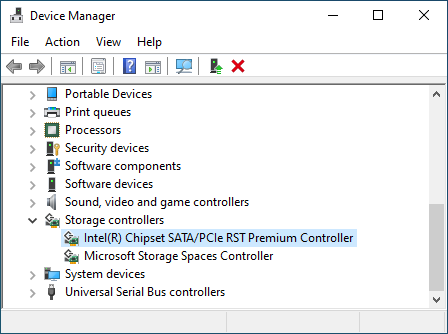
The Windows installation does boot from the NVMe but list that storage being provided by the Intel RST Controller.
![]()
The solution present online all mention disabling RAID mode in the BIOS.
Read more »
Unfortunately Minisforum BIOS for the X35G is very barebone with no option for the storage controller...
This user joined on 03/22/2015.
 Lutetium
 joedefa
 koswix
 Jiří Praus
 joshpaulchan
 Fabricate.IO
 sieuwe elferink