• 1
    Get components ready

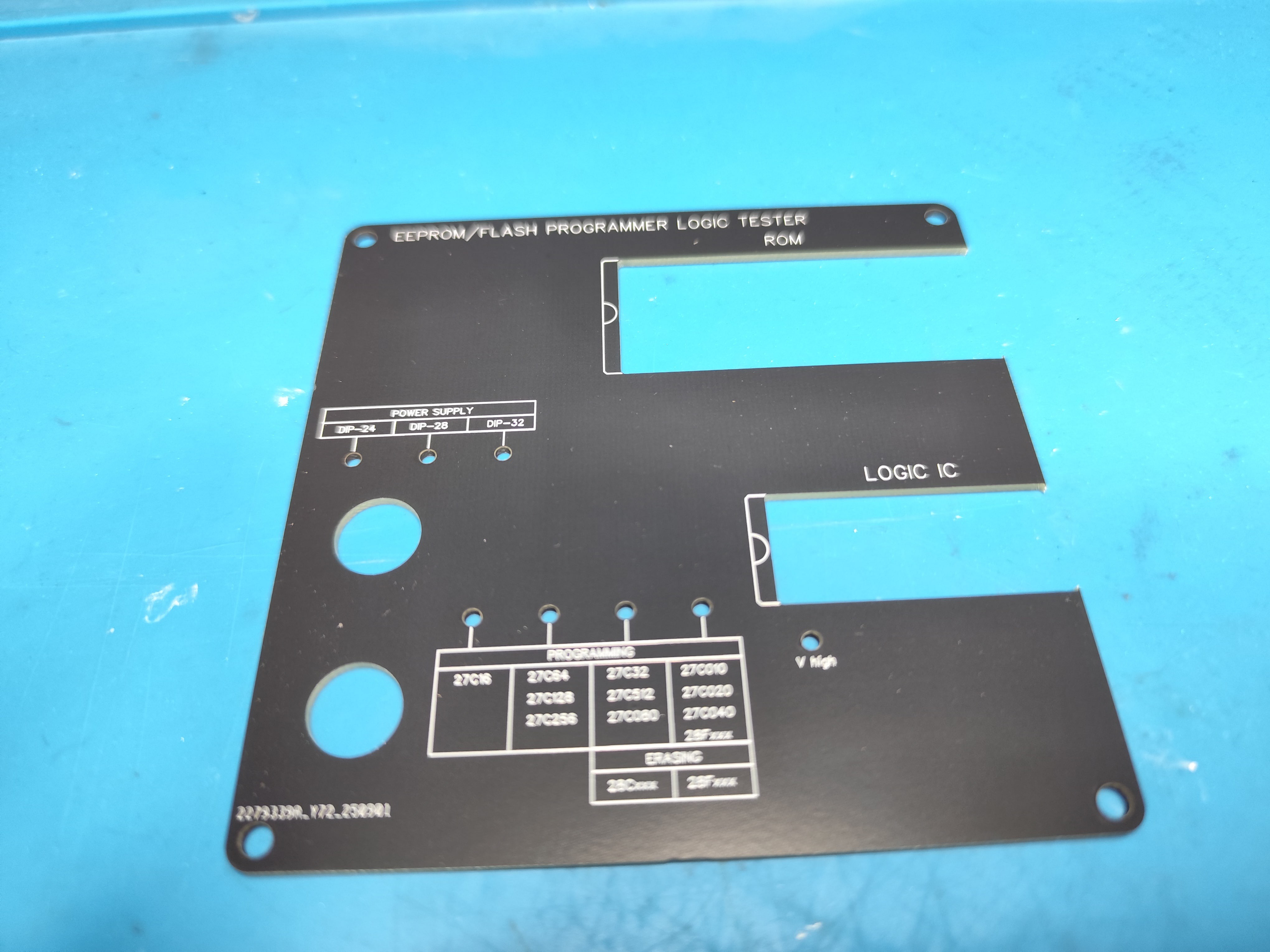
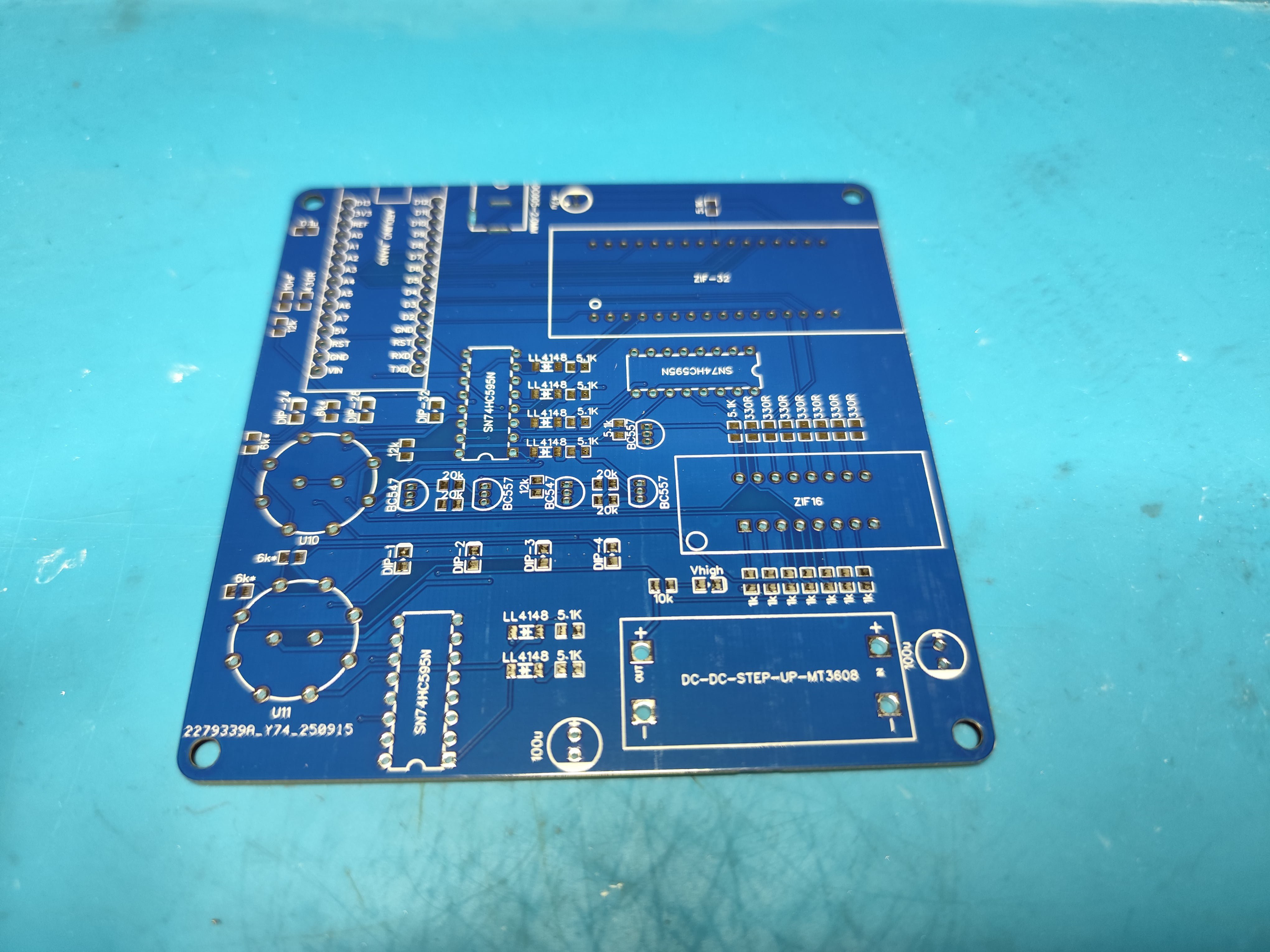
    To begin, you need to order the manufacturing of the printed circuit boards. The top cover is essentially also a PCB — just without copper but with silkscreen. I personally used the JLCPCB service. Use the following Gerber files: Gerber_Programmer_Logic_Tester_PCB.zip and Gerber_Programmer_Logic_Tester-Front_Panel.zip.

  • 2
    More components

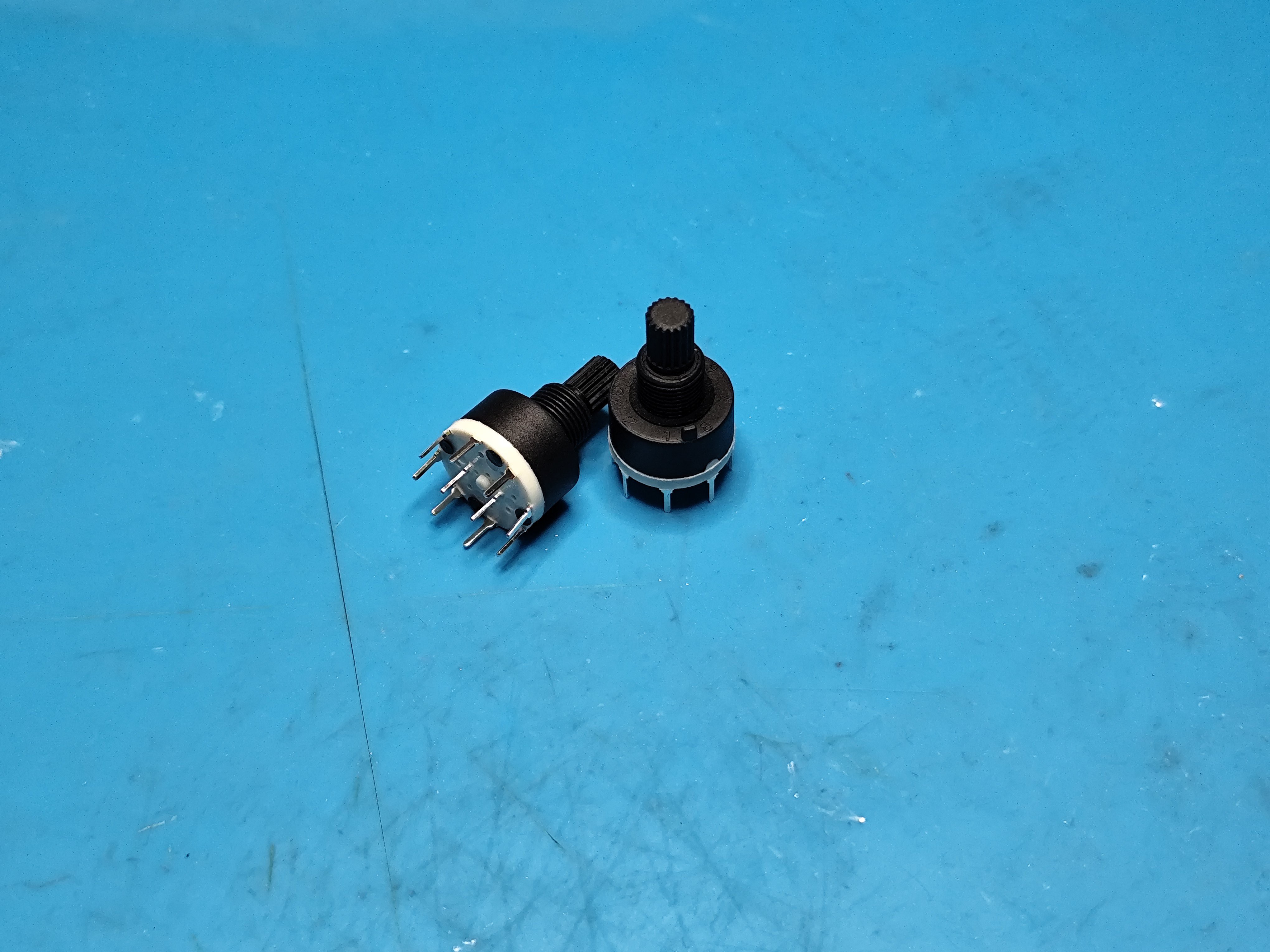
    You’ll also need SMD components in 0805 size, as well as several electrolytic capacitors. Check BOM_Programmer_Logic_Tester-new_2025-10-01.csv file. Pay attention to the rotary switches — one of them is a 2-pole 3-position, and the other is a 2-pole 4-position switch. The switch model is SR16 Plastic 16mm. On the top part of the switches, there’s a small protruding pin — it needs to be cut off, otherwise the programmer’s top cover will not close properly.

  • 3
    Soldering

    Once the PCBs arrive, you can start soldering. Begin with surface-mount components (resistors, ceramic capacitors, and diodes). Then proceed with the transistors, the MT3608 module, 595 shift registers, Arduino Nano, and ZIF sockets — in that order.

    Note that the connector for external power is optional. Although the designer of the programmer included it, I never found it necessary to use.

    To solder the MT3608 module, use standard pin headers. This way, the module will sit about 2 mm above the main board, and the adjustment trimmer will align with the hole in the case — convenient if you ever need to fine-tune the voltage.