 Anool Mahidharia
Class 4
- At 14:39 in the video, after constraining the internal rectangle sketch, while you are still in the sketch workbench, your video shows the outline sketch (Sketch001) on the top face of the Extrude part. I cannot see that in my version. All I see is the Extrude part, even though the Combo View shows me all the data and view information for both Extrude and Sketch001. The sketch lines are invisible. How do I make it visible?
- What do you see in the wireframe mode? Did you select top face of "extrude" first, then start the second sketch, making sure you use "sketch attachment - flat face" ?
- Yes to both questions. See https://codeberg.org/ubuntourist/Tiny_Blinky/src/branch/main/class_4_14:39_broken.FCStd
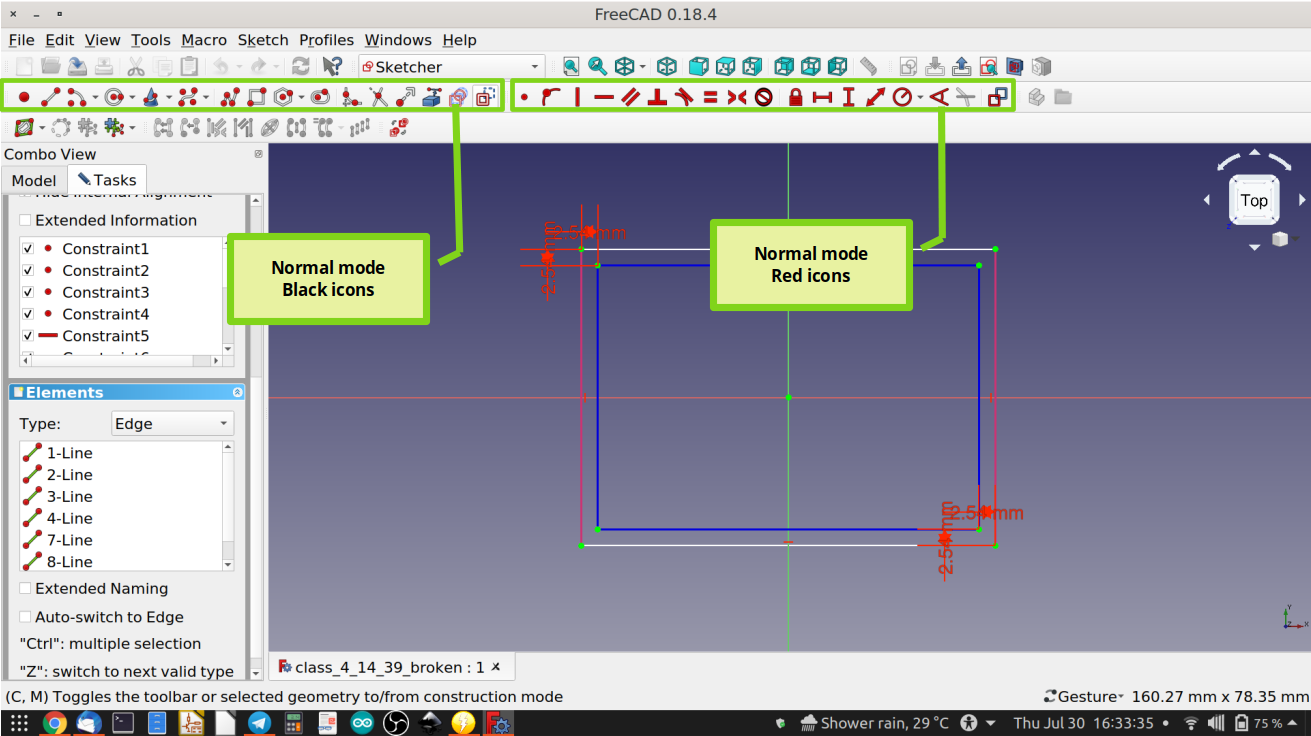
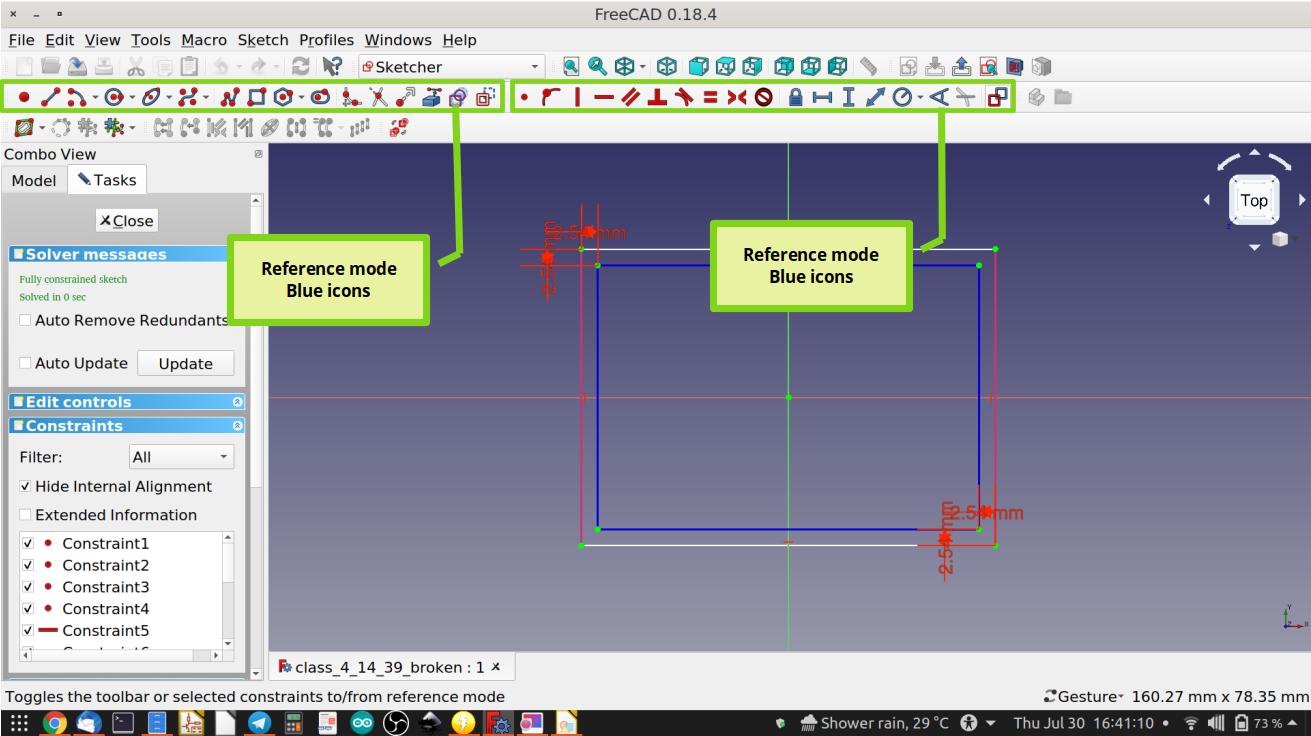
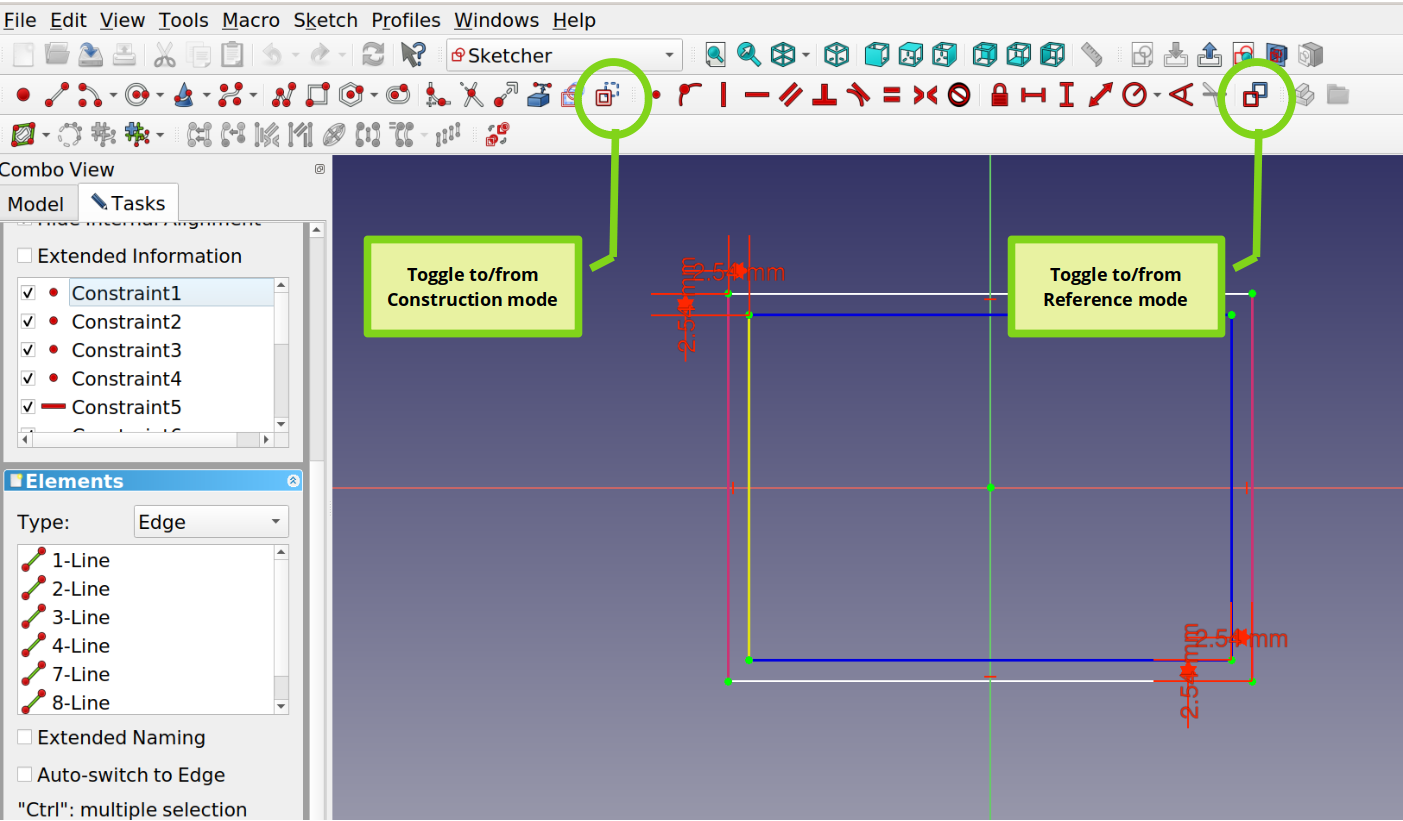
- Ah, I see the error in the file link you sent me. The sketch you have drawn shows up in line color “blue”. This means those four lines of sketch001 are “construction lines” - which I didn’t cover in the video. Construction lines are drawing aids you use to help make sketches, but which are not part of the real sketch. So think of them as “virtual” reference elements to help you create a sketch. To toggle between regular sketching and virtual “construction mode” sketching, use the last icon in the Sketcher “drawing tools” toolbar.
- Ah. Done. Thanks.
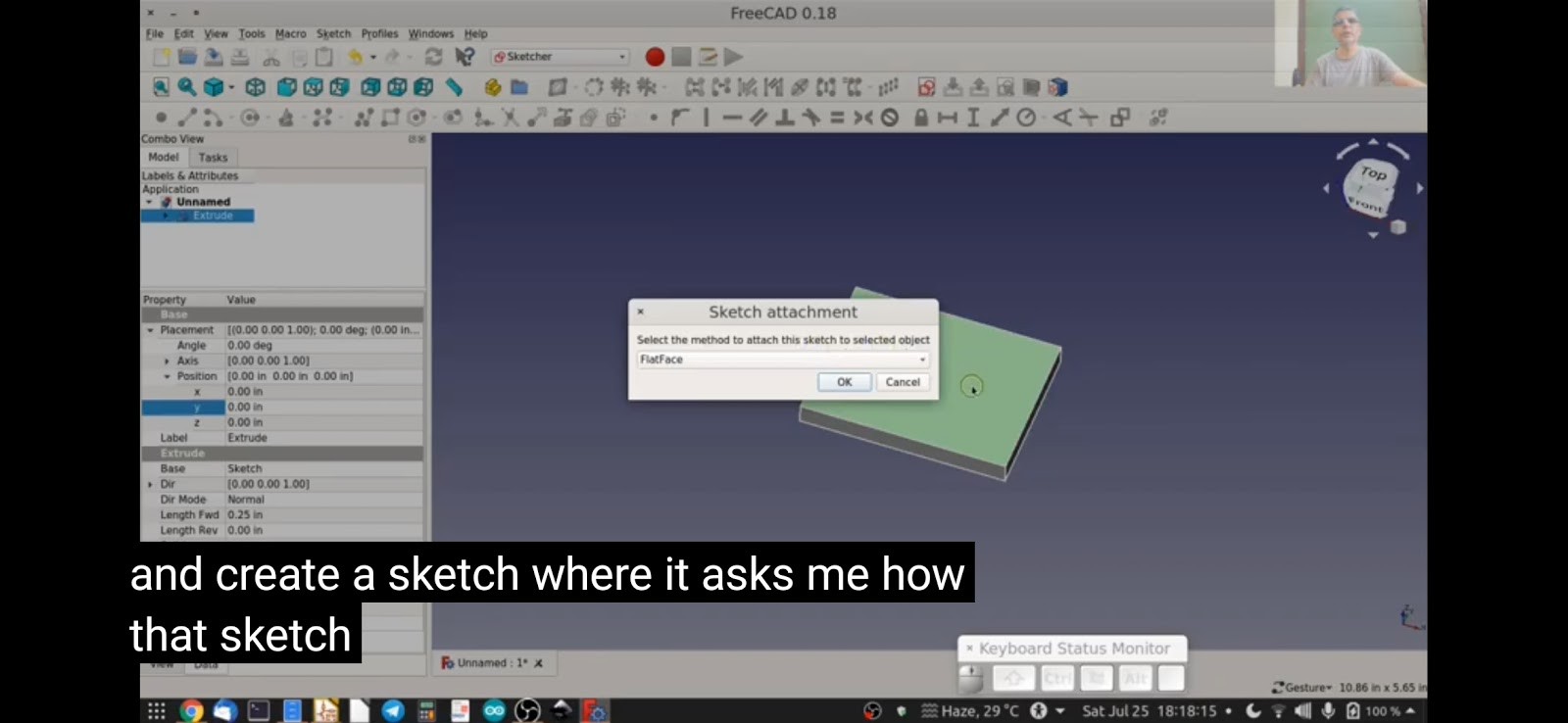
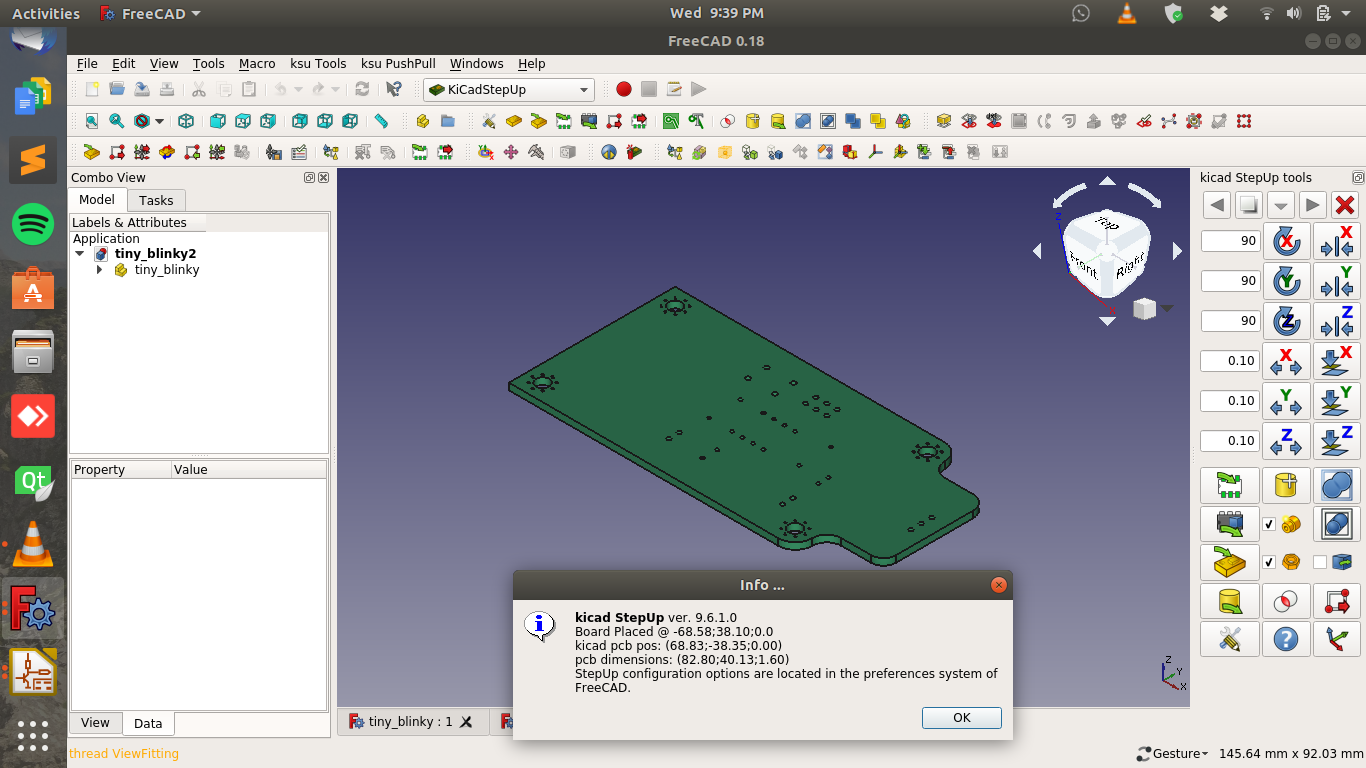
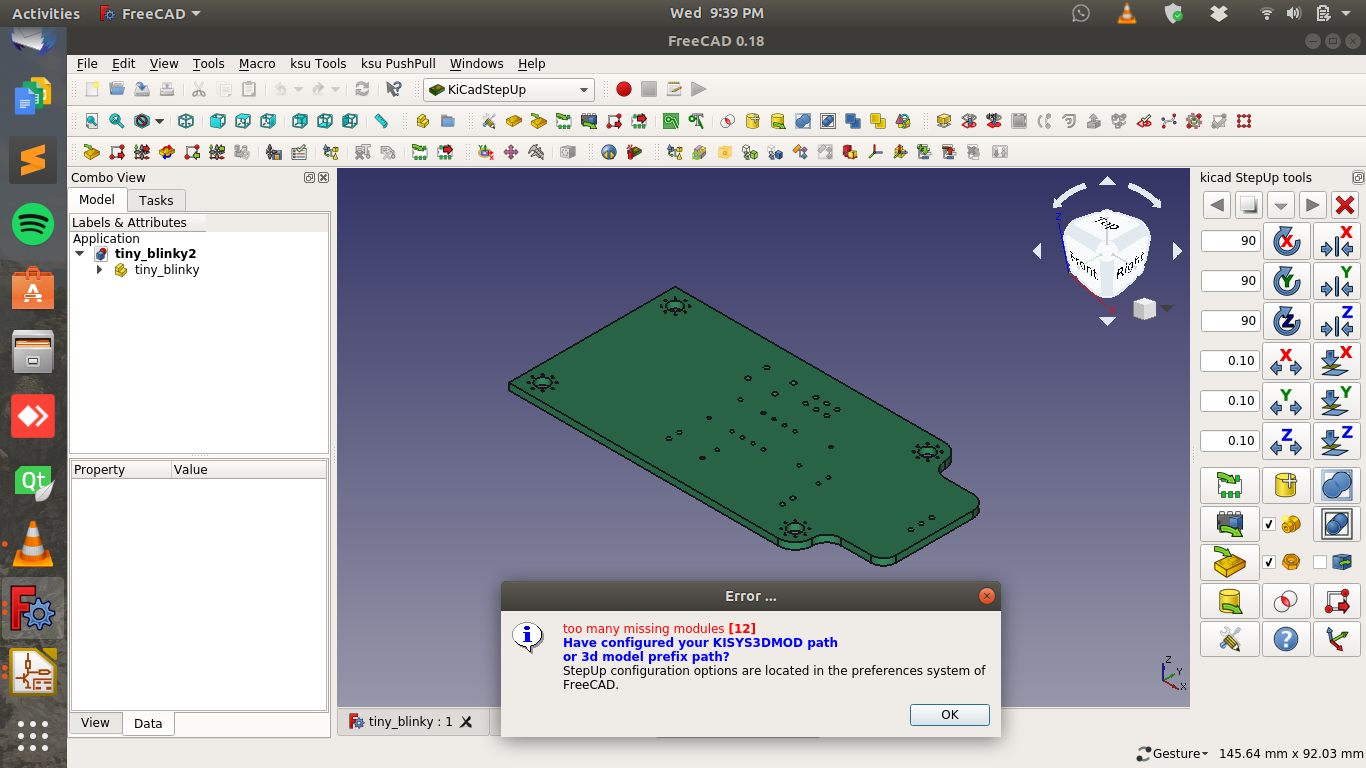
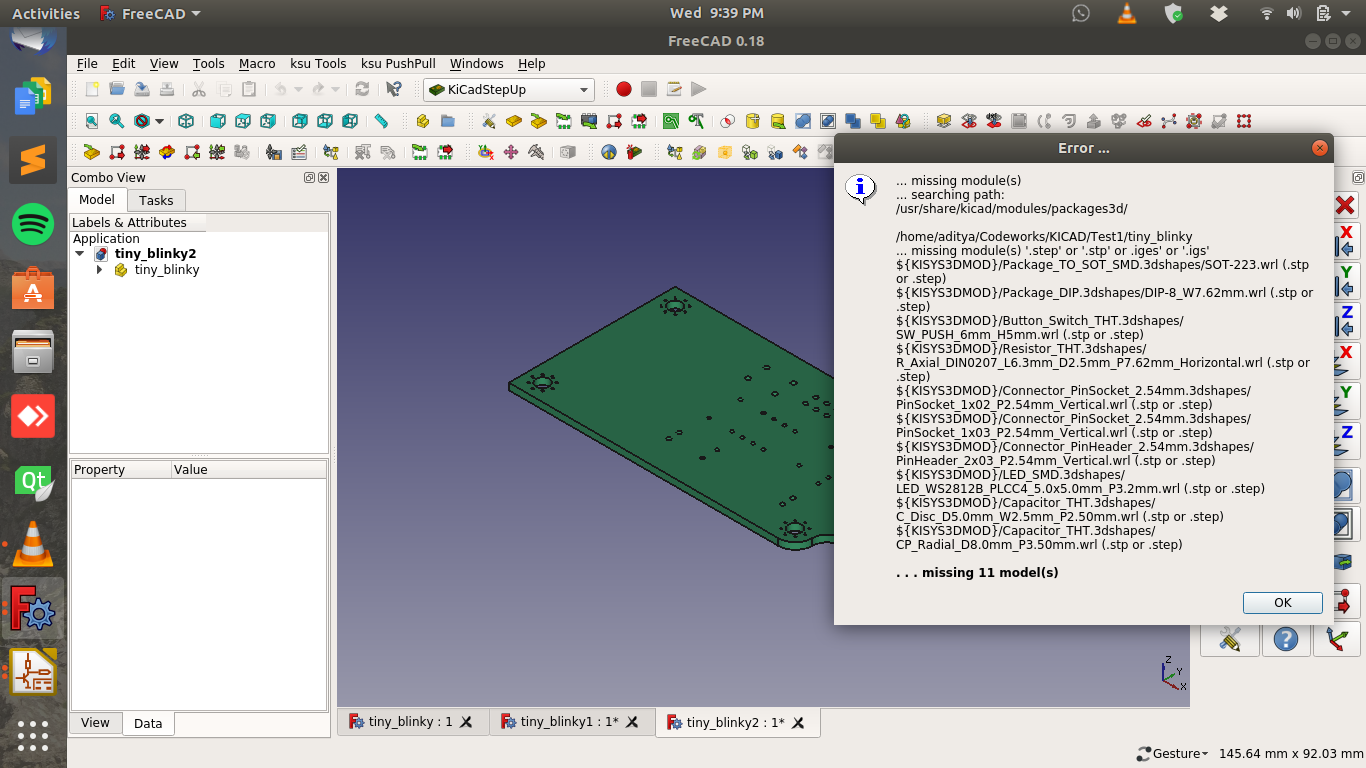
- Sir, when I am trying to import the kicad_pcb file, only the base board loads up. I am giving the screenshots of the error messages. Also I verified the 3D package path and it’s correct in both KICAD and FreeCAD.
![]()
![]()
![]()
Your KISYS3DMOD needs to be usr/share/kicad/modules/packages3d- Make sure you’ve set this correctly in KiCad and in FreeCAD KiCadStepUp tools Preferences.
- Make sure you have the latest library downloaded from the KiCad github repo.
- Use this URL : https://github.com/KiCad/kicad-packages3D
- It’s likely you’re missing all the models. For example, search for SOT-223.wrl and SOT-223.step (or SOT-223.stp) - you ought to have both available in the “Package_TO_SOT_SMD.3dshapes” folder.
Discussions
Become a Hackaday.io Member
Create an account to leave a comment. Already have an account? Log In.